How I Use Claude and Claude Code Together to Build
Cách Tôi Phối Hợp Claude và Claude Code Để Xây Dựng
People often ask me about my AI workflow, specifically how I use Claude for research and writing while also using Claude Code for building things. The honest answer is that they are not interchangeable. They serve different roles, and the projects where I have tried to use only one or the other always end up worse.
Khi tôi nói chuyện với Claude trong giao diện chat, tôi đang ở chế độ lập kế hoạch. Tôi đang suy nghĩ to, khám phá các lựa chọn, xem trực quan hóa trước khi cam kết. Không có hệ thống tệp. Không có triển khai. Không có hậu quả.
People often ask me about my AI workflow, specifically how I use Claude for research and writing while also using Claude Code for building things. The honest answer is that they are not interchangeable. They serve different roles, and the projects where I have tried to use only one or the other always end up worse.
Building this website, syhai.xyz, is the most recent example. Let me walk you through exactly how the two tools divided the work.
The problem with treating them as the same tool
Both Claude and Claude Code run on the same underlying model, Sonnet 4.6. Same intelligence, same reasoning capability. So at first glance it seems redundant to use both.
But the interface difference creates a fundamental workflow difference.
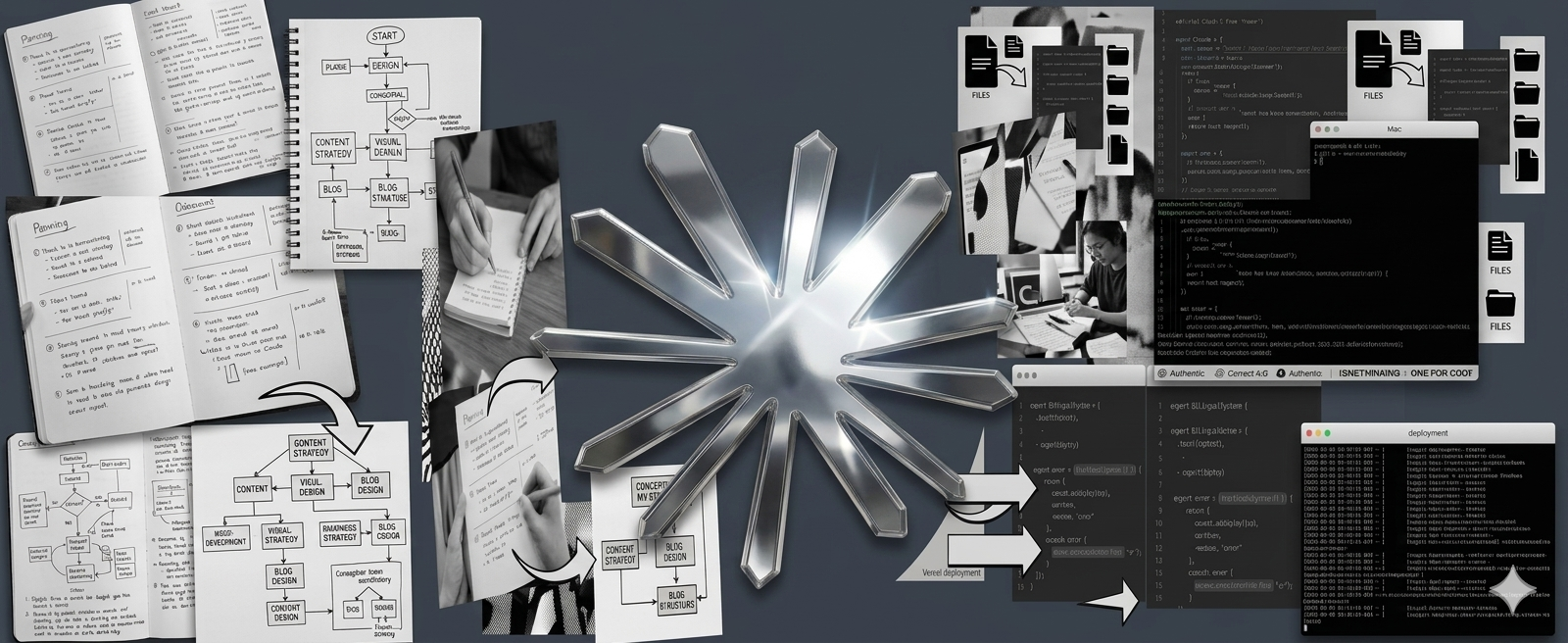
When I talk to Claude in the chat interface, I am in planning mode. I am thinking out loud, exploring options, comparing directions, getting things visualized before committing. There is no file system. There is no deployment. There is no consequence. It is a thinking space.
When I am in Claude Code, I am in execution mode. The tool has direct access to my project folder. It reads every file, understands the entire codebase in context, makes changes, runs terminal commands, and deploys. Actions have consequences. Files get modified. Things break and need to be fixed.
Phase 1: Design with Claude chat
Before a single line of code existed, I spent several conversations with Claude working through content strategy, visual design direction, and the full blog structure.
We mapped out 12 blog post ideas directly from Claude’s official use cases page, each one translated into my specific context as a crypto trader and AI learner in Vietnam. This planning session would have been useless in Claude Code because there was nothing to code yet.
For the design, I described what I wanted: editorial magazine feel, dark navy header, blue palette. Claude generated live interactive mockups inside the chat window. Not static screenshots. Actual HTML previews I could look at and give feedback on. We went through three iterations of the homepage design, the article page layout, and the EN/VN language switcher before I approved anything.
This is what Claude’s chat interface does better than any other tool: it lets you see something before you build it. The cost of iteration is near zero. Changing the color scheme or removing a section takes seconds, not a deployment cycle.
Only after the design was approved and the structure was clear did I move to Claude Code.
Phase 2: Build with Claude Code
Once the design was locked, I opened Claude Code on my Mac, pointed it at the project folder, and the dynamic completely changed.
Instead of describing things and seeing mockups, I was now describing things and watching actual files get created and modified. Claude Code read my existing files, understood the Astro framework I was using, and built out the complete project: the homepage, the blog listing page, the article page layout, the bilingual content system, and the full CSS design system.
For file structure decisions, when building the bilingual EN/VN system, Claude Code could look at all the existing files simultaneously and figure out the cleanest architecture rather than requiring me to explain it piece by piece.
For error debugging, when the Vercel deployment kept failing, Claude Code read the exact error, traced it back to a specific import path issue, and fixed it directly. In the chat interface this would have required me to screenshot the error, describe it, receive code, and manually paste it, much slower and more error-prone.
For deployment, Claude Code ran the build and deploy commands directly.
The actual division of labor
Content strategy goes to Claude chat because there is nothing to code yet and it needs visual exploration.
Design direction goes to Claude chat because the interactive previews allow fast iteration.
Writing sample posts goes to Claude chat because it is a pure writing task.
Building the Astro site goes to Claude Code because it needs file access and framework knowledge.
Fixing deployment errors goes to Claude Code because it needs to read logs and edit specific files.
Setting up the bilingual system goes to Claude Code because it is an architecture decision across multiple files.
Deploying to Vercel goes to Claude Code because it requires terminal commands.
The pattern is consistent: anything that requires seeing, planning, or creating content goes to Claude chat. Anything that requires reading, editing, or running code goes to Claude Code.
My recommendation
Use the chat interface to get clear on what you are building before you build it. Do not skip this step. The temptation is to jump straight to Claude Code and start generating files, but the time you spend in planning mode pays back multiple times over when you are not rebuilding things that were not right to begin with.
Then use Claude Code to build, modify, and deploy. Give it access to your actual project folder so it has full context. Be specific about what you want changed.
The two tools together, one for thinking and one for doing, is a more effective setup than either alone.
Mọi người thường hỏi tôi về quy trình AI, cụ thể cách tôi dùng Claude để nghiên cứu và viết trong khi cũng dùng Claude Code để xây dựng. Câu trả lời thực sự là chúng không thay thế được nhau. Chúng phục vụ những vai trò khác nhau, và các dự án tôi cố chỉ dùng một trong hai luôn có kết quả tệ hơn.
Xây dựng website này, syhai.xyz, là ví dụ gần đây nhất.
Vấn đề khi coi chúng là cùng một công cụ
Cả Claude và Claude Code đều chạy trên Sonnet 4.6. Cùng trí thông minh, cùng khả năng suy luận. Thoạt nhìn dùng cả hai có vẻ thừa.
Nhưng sự khác biệt giao diện tạo ra sự khác biệt quy trình cơ bản.
Khi tôi nói chuyện với Claude trong giao diện chat, tôi đang ở chế độ lập kế hoạch. Tôi đang suy nghĩ to, khám phá các lựa chọn, xem trực quan hóa trước khi cam kết. Không có hệ thống tệp. Không có triển khai. Không có hậu quả.
Khi tôi đang trong Claude Code, tôi đang ở chế độ thực thi. Công cụ có quyền truy cập trực tiếp vào thư mục dự án. Nó đọc mọi tệp, hiểu toàn bộ codebase, thực hiện thay đổi, chạy lệnh terminal, và triển khai.
Giai đoạn 1: Thiết kế với Claude chat
Trước khi có một dòng code nào, tôi đã dành nhiều cuộc trò chuyện với Claude để xây dựng chiến lược nội dung, hướng thiết kế, và cấu trúc blog đầy đủ.
Chúng tôi lập bản đồ 12 ý tưởng bài viết trực tiếp từ trang use cases chính thức của Claude, mỗi ý tưởng được chuyển thành ngữ cảnh cụ thể của tôi như trader crypto và người học AI ở Việt Nam.
Về thiết kế, tôi mô tả những gì tôi muốn: phong cách editorial, header navy đậm, bảng màu xanh. Claude tạo ra các mockup tương tác trực tiếp trong cửa sổ chat. Không phải ảnh chụp màn hình tĩnh. Bản xem trước HTML thực sự tôi có thể nhìn và đưa ra phản hồi. Chúng tôi trải qua ba lần lặp lại trước khi tôi phê duyệt.
Giai đoạn 2: Xây dựng với Claude Code
Khi thiết kế được chốt, tôi mở Claude Code, trỏ nó vào thư mục dự án, và mọi thứ hoàn toàn thay đổi.
Claude Code đọc các tệp hiện có, hiểu framework Astro tôi đang dùng, và xây dựng toàn bộ dự án: trang chủ, trang danh sách blog, bố cục trang bài viết, hệ thống nội dung song ngữ, và hệ thống CSS thiết kế toàn cục.
Khi xây dựng hệ thống song ngữ EN/VN, Claude Code có thể xem tất cả các tệp cùng lúc và tìm ra kiến trúc sạch nhất. Khi triển khai Vercel liên tục thất bại, Claude Code đọc lỗi chính xác, truy tìm về vấn đề đường dẫn import, và sửa trực tiếp.
Khuyến nghị của tôi
Dùng giao diện chat để làm rõ những gì bạn đang xây dựng trước khi xây dựng. Đừng bỏ qua bước này. Thời gian bạn dành trong chế độ lập kế hoạch sẽ được trả lại nhiều lần khi bạn không phải xây dựng lại những thứ không đúng ngay từ đầu.
Sau đó dùng Claude Code để xây dựng, sửa đổi, và triển khai.
Hai công cụ cùng nhau, một để suy nghĩ và một để làm, là thiết lập hiệu quả hơn bất kỳ công cụ nào một mình.